
Your own account
Everything here is in your settings, and you control it.
- Devices signed in to your account
- Your data download and login history
- Who can contact you or see your Story
- Names of people who viewed your Story
See what your account shows, what friends share with you, and what nobody can see. Then fix the settings that matter in a few minutes.
Independent guide · not affiliated with Snap Inc.5 of 5 settings checked
Only your own Story · names up to 200
Spotted one you don’t know? Sign it out.
Almost every privacy question comes down to one thing: whose information is it, and who chose to share it?
Everything here is in your settings, and you control it.
You see these only because a friend picked you as the audience.
No website, app or “tracker” can show these.
A service that promises these is a scam. Don’t pay it or give it your login.
A Story view or a dot on the map says less than it seems. Pick one to see what it tells you and where it stops.
The list under your own Story.
Want a smaller audience next time? Change who sees your Story
About fifteen minutes, in this order. Everything happens in Snapchat’s own settings, so your login never leaves the app.
Request My Data to see what Snapchat keeps: login history, friends, saved chats. Expired Snaps won’t come back.
Settings › My Data
Session Management lists devices using your account right now. Sign out anything you don’t recognise.
Settings › Session Management
Set Contact Me, your Story audience and Quick Add together, so one setting doesn’t undo another.
Settings › Privacy Controls
Location sharing is off by default. Pick an audience, or turn on Ghost Mode to leave the map.
Snap Map › Settings
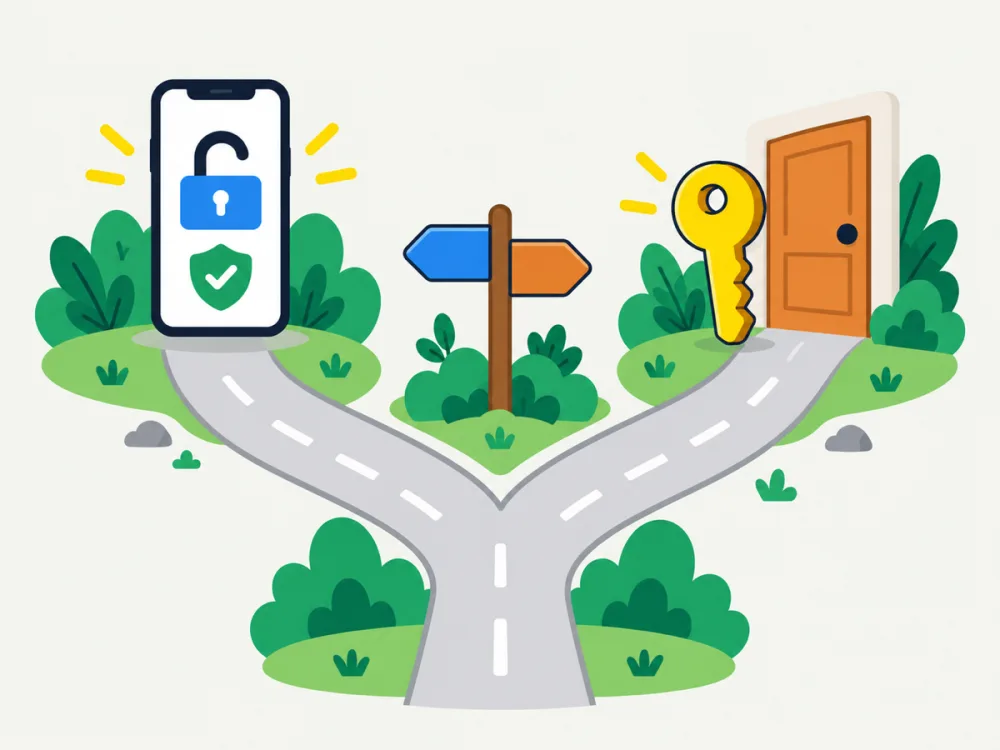
What to do first depends on one question: can you still sign in? Pick your road below.
Thousands of people type these every day. What’s really possible, and the legitimate door to use instead.
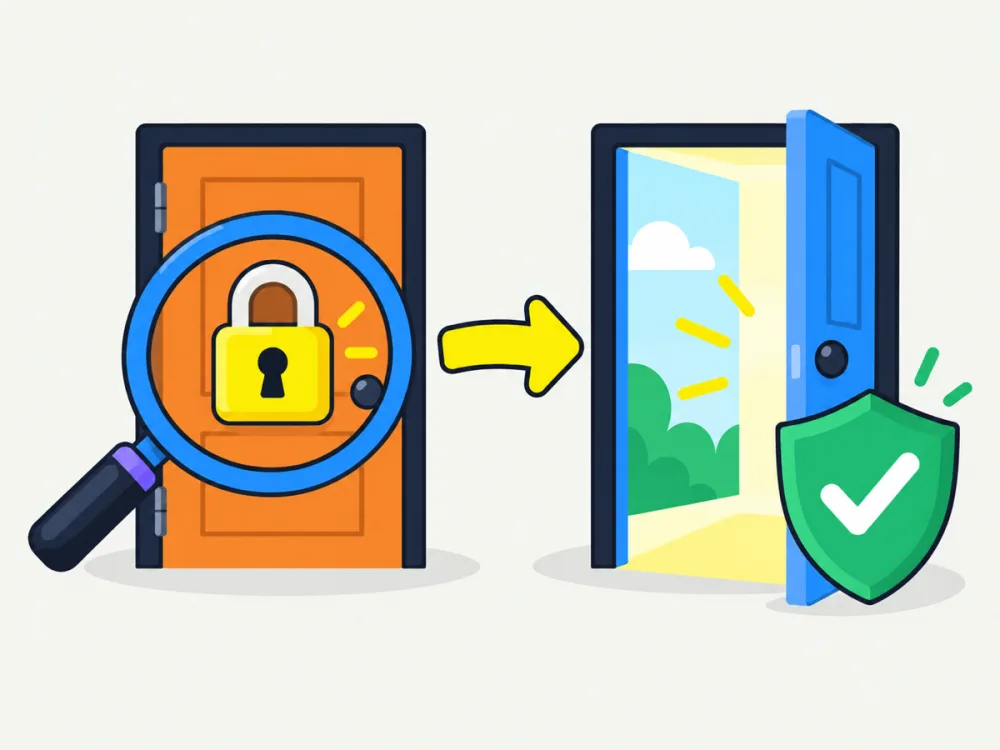
No app or website can show another person’s private chats or hidden activity. The ones that claim to want your money, your login or a malware install.
Worried about your teen? Family Center is the open, agreed-to option. Read the full answer
Getting into an account that isn’t yours isn’t possible here, and in most countries it’s a crime.
Lost access to your own account? Recovery goes through Snapchat. Read the full answer
The teen can see that Family Center is on. It shows who they talk to, never what they say.
Twenty-two short guides in six topics. Each one answers a single question and links to Snapchat’s own help page.
No. Snapchat shows who viewed your own Story, but there is no list of people who looked at your profile.
No. It only suggests the friend was recently active, and only if they leave the setting on.
No. Family Center shows the friend list and who the teen messaged recently, never what the messages say.
Only Snap Map, and only if that person chose to share their location with you. Apps that promise more are scams.
No. Recovery runs only through Snapchat’s own password reset and support form. Paid “recovery” offers are scams.
Fifteen minutes in Snapchat’s settings closes most of the gaps people worry about. We’ll walk you through each one.
Check my accountCookies on SnapSee. Essential cookies keep the site working. With your permission we also count which guides people read — no ads and no tracking across other sites. Details are in our privacy policy